
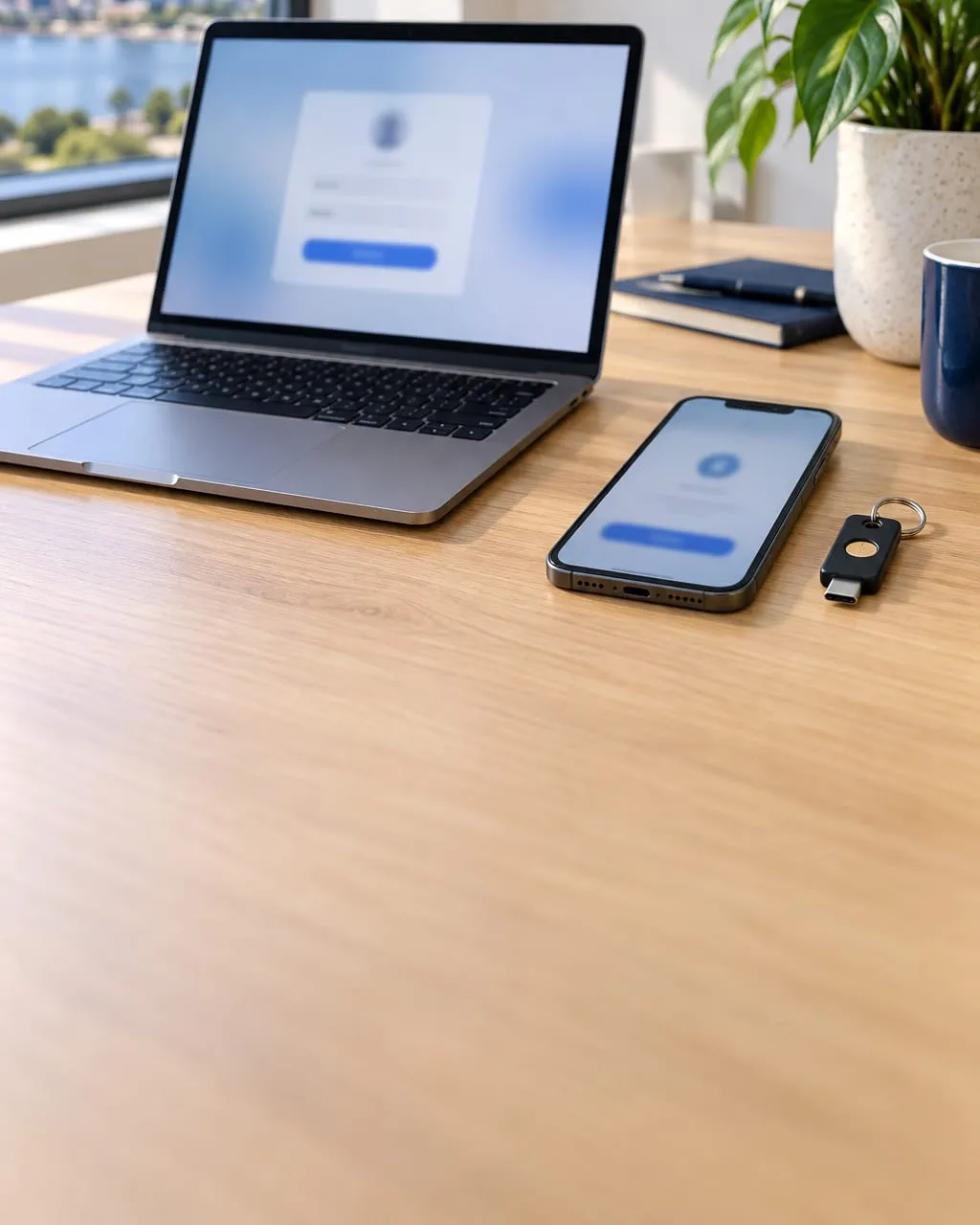
What is multi-factor authentication?
Where it stops an attack.
- The attack A fake Microsoft 365 sign-in page captures a staff member’s password.
- Stopped here Signing in also needs something the attacker doesn’t have. Phishing-resistant methods won’t work on a fake page at all.
- The result The stolen password is useless on its own.
Essential 8 MFA requirements by maturity level
What changes at each level.
What changes ML1 Maturity Level 1. ML2 Maturity Level 2. ML3 Maturity Level 3.
Online services with sensitive data Required on your own and third-party servicesMust be phishing-resistant No change
Customers of your online services MFA where sensitive customer data is heldAdds a phishing-resistant optionMust be phishing-resistant
Staff signing in to systems Not required
Phishing-resistant MFA, admins and standard users No change
Data repositories Not required
Not required
Phishing-resistant MFA
Methods Something you have plus something you know, or a device unlocked by PIN or biometric No change
No change
Logging Not required
Successful and failed MFA events logged centrally. Internet-facing server logs analysedAdds analysis of workstation and internal server logs
Each level includes everything in the one before. A plain-English summary, not the requirement text. ASD Essential Eight Maturity Model (November 2023)
How to implement MFA
Protection first, disruption last.
- 01
Block legacy authentication
Old sign-in protocols skip MFA entirely, so they go first. - 02
Enforce MFA for everyone
Conditional Access in Microsoft 365, with an exceptions list that stays short. - 03
Move to phishing-resistant methods
Passkeys or FIDO2 security keys, admins first, then staff. - 04
Cover third-party services
Accounting, practice management, banking and remote access, not just Microsoft 365.
Common MFA mistakes
Where rollouts go wrong.
-
SMS codes as the end state
Better than nothing, but open to SIM swaps and phishing.
-
Push fatigue
Staff approving prompts they didn’t start. Use number matching or passkeys.
-
Permanent “temporary” exclusions
Service accounts and one-off exceptions nobody removes.
What is phishing-resistant MFA?
Methods a fake sign-in page can’t capture: passkeys, FIDO2 security keys and Windows Hello for Business. They are bound to the real website, so a phishing site can’t reuse them.
Is Microsoft Authenticator phishing-resistant?
Standard push approvals aren’t. Authenticator with passkeys is. Number matching reduces the risk of approving a fake prompt.
What are the Essential 8 MFA requirements at Maturity Level 2?
Phishing-resistant MFA on online services and for everyone signing in to your systems, admins and standard users alike. Successful and failed MFA events are logged centrally.