
Ransomware canaries
This file is supposed to be there.
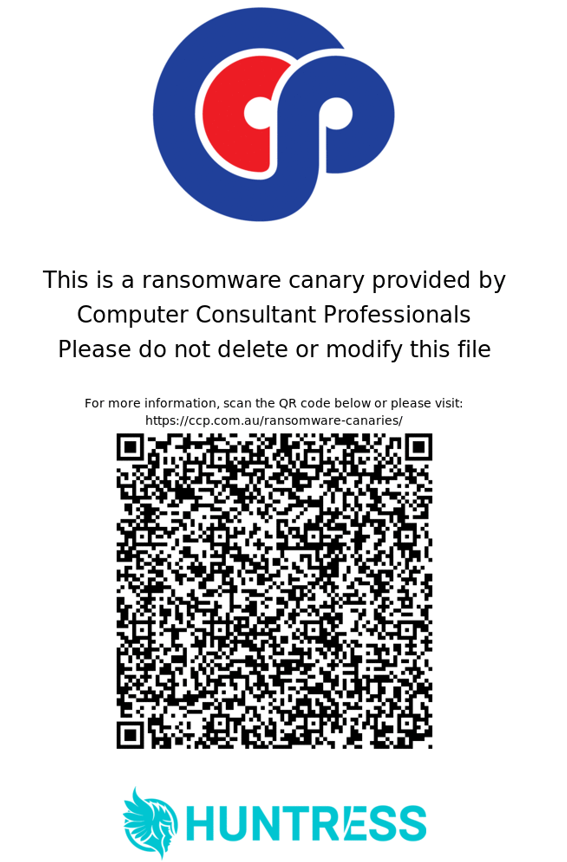
If you scanned a QR code from a small hidden file with a CCP logo and a 'do not delete or modify' warning, you are in the right place. The file is a deliberate ransomware tripwire CCP placed on this device. Nothing is wrong. You do not need to do anything except leave it where it is.
What you are looking at
One of CCP's ransomware canary files.
Your computer has several of these tucked away in hidden folders. They are tiny, inert and harmless. The only reason you can see one is that you went looking inside a hidden directory, or you scanned the QR code printed inside one. Either way, the right move is to close it and walk away.
Each canary is a small file (Word document, spreadsheet or PDF) that opens to the warning page you scanned. It is named to blend in with normal user data, but it is not data anyone uses. Its only job is to be a target.
When ransomware lands on a computer, it tries to encrypt every file it can reach. It cannot tell a real document from a decoy. The moment a canary is encrypted, renamed or deleted, the endpoint security agent on the device sees the change and raises an alert. That gives the security team a chance to stop the attack on this one machine before it spreads to others.
The CCP logo is on the file so that anyone who runs into one knows who put it there. The QR code is so anyone who finds one can reach this explanation in seconds.
What to do
Three short answers.
Leave it alone
Do not open, edit, rename, move or delete it. The file is doing useful work just by existing. The best thing you can do is close the folder and carry on.
Already touched it?
Give us a quick call. It is not an emergency, but a heads-up saves the security operations team an investigation they do not need to run.
Want to talk to someone?
Call us on the number below. We can pull up the device's record and walk you through anything you would like to know.
Common questions
The things people ask when they find one.
- Is this a virus? Did I get hacked?
- No. The file was placed there deliberately by CCP, through our endpoint security platform, as part of the protection on this device. It cannot do anything on its own. It is not running, not communicating, and not capable of harming the computer. It sits there waiting.
- Why does it have the CCP logo on it?
- So that when somebody finds one, they can tell at a glance who put it there and where to go for an explanation. That is the page you are reading now. Without the branding, a curious user would reasonably assume the file was malicious and delete it.
- Why is it hidden? How did I even find it?
- Canaries live in hidden folders precisely because they are decoys. Ransomware scans aggressively, including hidden directories, so the file does its job from there without cluttering up your visible folders. You probably found it because you have Show Hidden Files enabled in File Explorer, or you were browsing a system folder for an unrelated reason.
- Will it slow down my computer or fill up my disk?
- No. Each canary is roughly 150 KB, and the full set on a typical user profile sits well under one megabyte. They are inert files. They do not consume CPU, memory or network. You will not notice them in any way other than seeing the file itself.
- Why is one of these on this computer?
- Because CCP manages the endpoint security on this device. The canary was deployed as part of that protection — there are several across the machine, all doing the same job. If anything about that surprises you, give us a call and we will fill you in.
- I already deleted it before reading this. What happens now?
- Most likely nothing. Deleting a single canary will register as a change and our security operations team will look at the surrounding activity to decide whether it is benign or something to act on. If they can see it was a human deleting one file (not ransomware encrypting everything in sight), the alert closes quietly. To save them the investigation, give us a quick call and let us know. New canaries will be redeployed automatically.
- Can I ask for more of these, or fewer?
- The set per endpoint is managed centrally by the platform and is not adjustable per device. There is no benefit to having more, and removing them weakens the early-warning layer.
- What if I run software that legitimately encrypts files?
- Genuine encryption tools, including Windows EFS and some third-party backup or vault products, can trip canaries in the course of normal work. Our security operations team handles those as part of triage; they see the surrounding context and confirm it is authorised activity before anyone gets paged. If you regularly use that kind of tool, let us know so we can note it against your device.
- Who actually sees the alert when one of these is triggered?
- Our security operations centre receives the signal first, twenty-four hours a day. They investigate before passing anything along, which filters out false alarms before they reach you. If they confirm ransomware, CCP responds immediately under the incident process the device is enrolled under.
Still unsure?
If you would rather talk to a person, call us on (08) 9467 2269 during business hours, or send us a message and we will get back to you.
The qualifier
Let's see if we're a fit.
Seven questions, one moment of your time. We'd rather tell you now than three months in.